UI/UX2026● Shipped
Global search
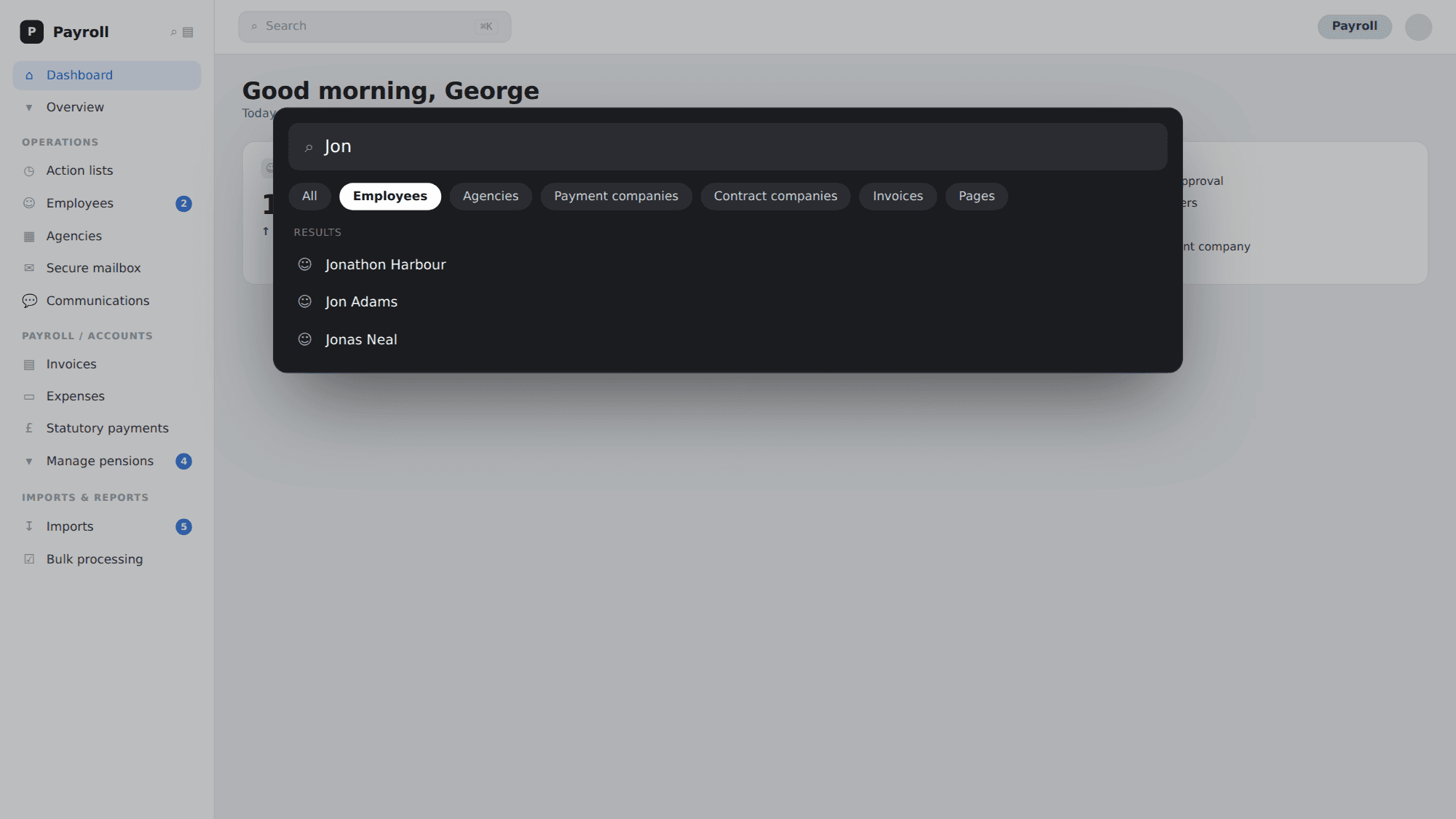
A platform-wide search tool for a complex payroll application — discovered through Hotjar behaviour analysis and on-site user research, and expanded iteratively based on customer interviews. Transformed how operators navigate a product containing up to 60,000 employee records.
.timeline
—
.year
2026
.tools
Figma, Jira, Hotjar, Intercom, Confluence, Miro
.role
Product Lead
.problem
Problem
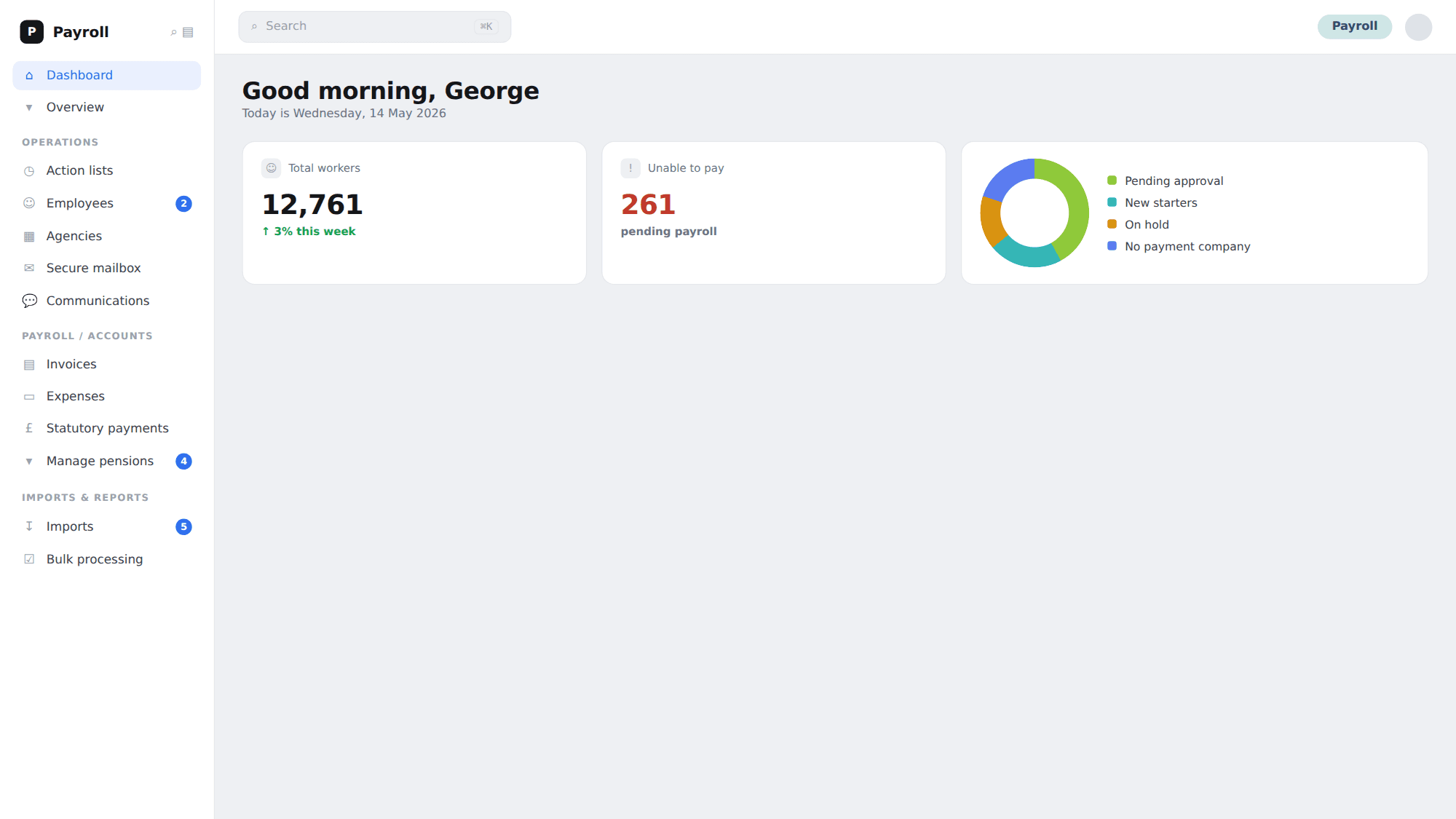
Finity Pay's information architecture is structured around record types — employees, agencies, clients, invoices — each accessible via a sidebar and a listing page. For payroll operators managing high volumes of workers across multiple agencies, this works well in a linear workflow. It breaks down the moment an interruption arrives. A phone call comes in about a different worker mid-task. A query lands about an invoice the operator isn't currently looking at. Suddenly the operator has to navigate out of their current record, back through the listing page, search, and click back in — or right-click the sidebar to open a duplicate tab and do the same thing again. In a busy payroll bureau handling hundreds of workers a day, this was happening constantly.
.solution
Solution
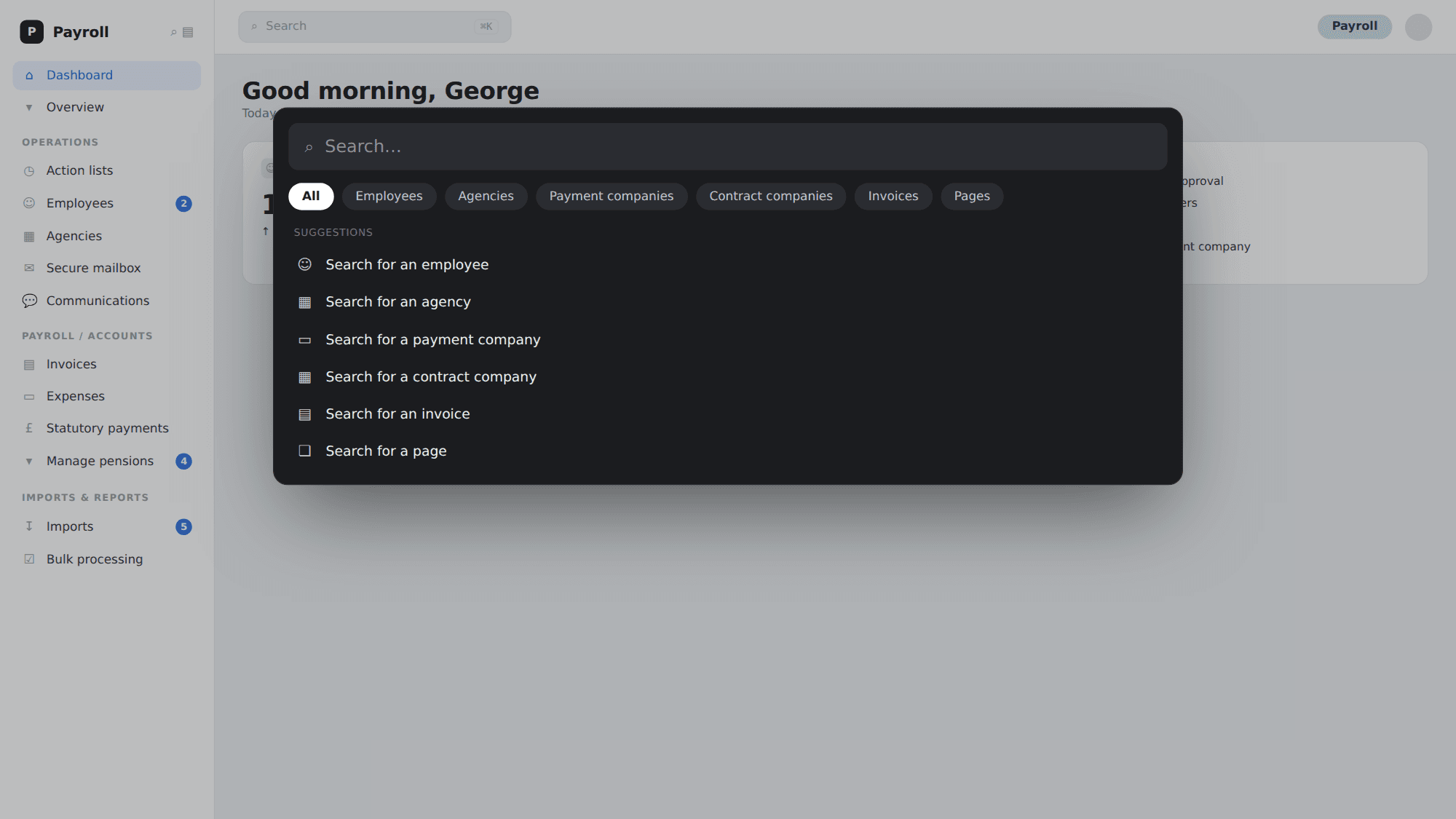
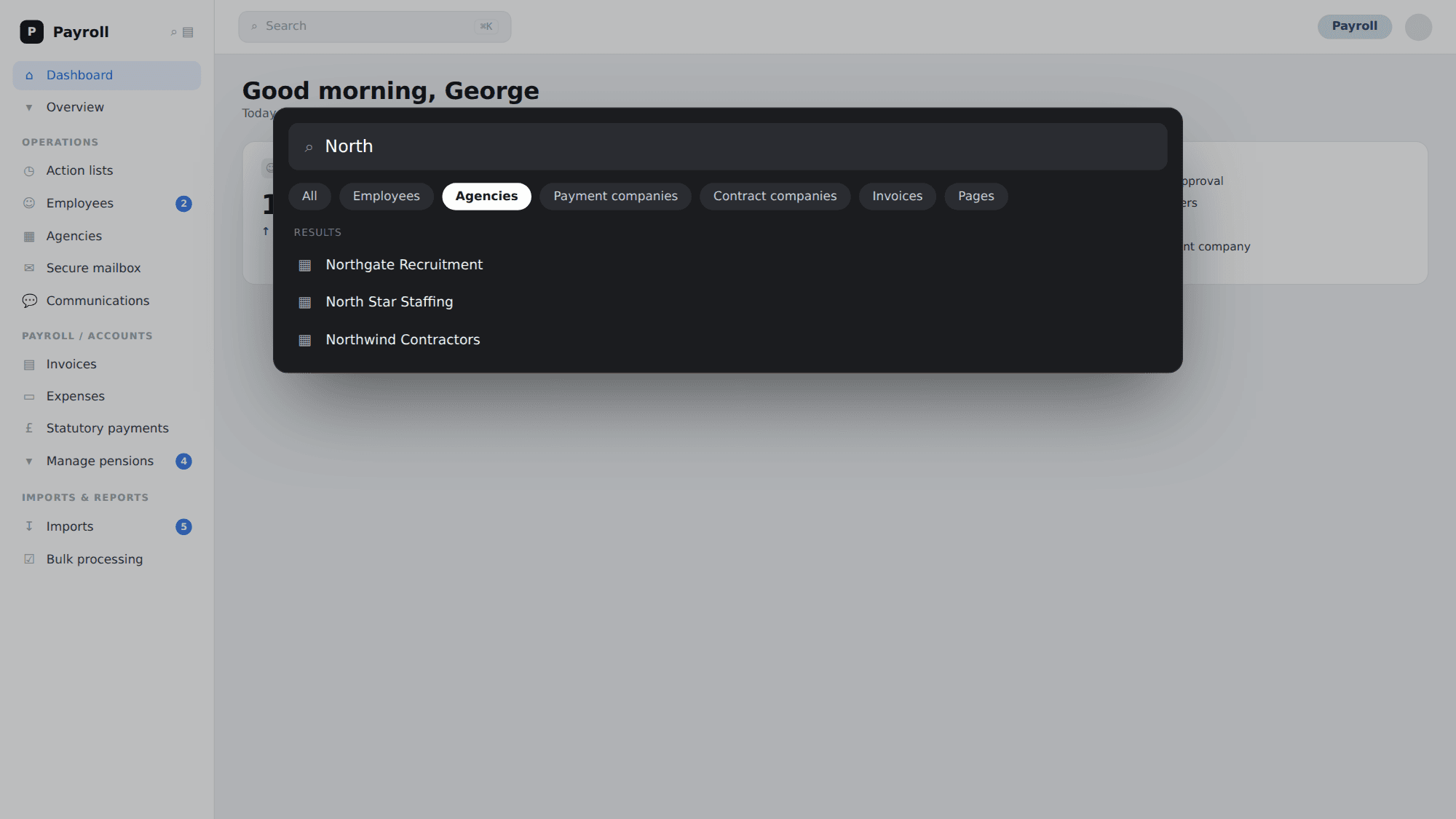
I designed and shipped a global search tool accessible via hotkey or click from anywhere in the application. Operators can instantly surface any employee, agency, client, invoice, or payslip record without leaving their current context. Power users adopted keyboard-first navigation; broader adoption came through the clickable interface. Following launch I ran customer interviews to understand what else should be searchable, and have since expanded the tool to cover invoices, payslips, agencies, and additional record types — making it particularly impactful for larger customers with up to 60,000 employee records.
.story
Story
This one started with a Hotjar anomaly. We noticed unusual behaviour in session recordings — users opening multiple tabs, strange navigation patterns, what looked like frustration clicks. The data suggested something was wrong but didn't tell us exactly what. My first assumption was that operators were juggling multiple worker records simultaneously and using tabs as a workaround for something the product wasn't giving them natively.
I confirmed it on a site visit. I conduct in-person research sessions with clients throughout each quarter — informal, observational, just sitting alongside operators as they work. Watching their real workflow made the problem immediately obvious. Payroll bureaus are phone-heavy environments. Operators field calls mid-task constantly, and every call potentially requires accessing a different record. The workaround was exactly what Hotjar had suggested: either a long click-train back through the navigation, or a right-click to open a duplicate tab and search again from scratch. Neither was fast, and neither was invisible to the caller waiting on the line.
The solution was straightforward once the problem was clear — a global search that lets the operator find any record in the product instantly, from wherever they are, without disrupting their current context. I designed the interaction to work two ways: hotkey-first for power users who live in the keyboard, and click-accessible for everyone else. Both paths were important. The power users — typically senior operators running multiple clients — were the ones feeling the pain most acutely, but the broader team needed something they could adopt without changing how they worked.
What made this case study more interesting than a typical utility feature was what happened after launch. I ran follow-up interviews to understand what else was hard to find, and the answer was consistent: invoices, payslips, agencies. We expanded the search index iteratively based on that feedback. For larger customers — some with up to 60,000 employee records — the impact compounded significantly. A search that started as a navigation shortcut became the primary way those users interacted with the product.
What I'd do differently: I'd have instrumented search query patterns from day one. Understanding what terms people were searching for most — and what returned no results — would have accelerated our decisions about which record types to index next and flagged gaps in our data model earlier.
Every problem worth solving has a human at the centre of it.